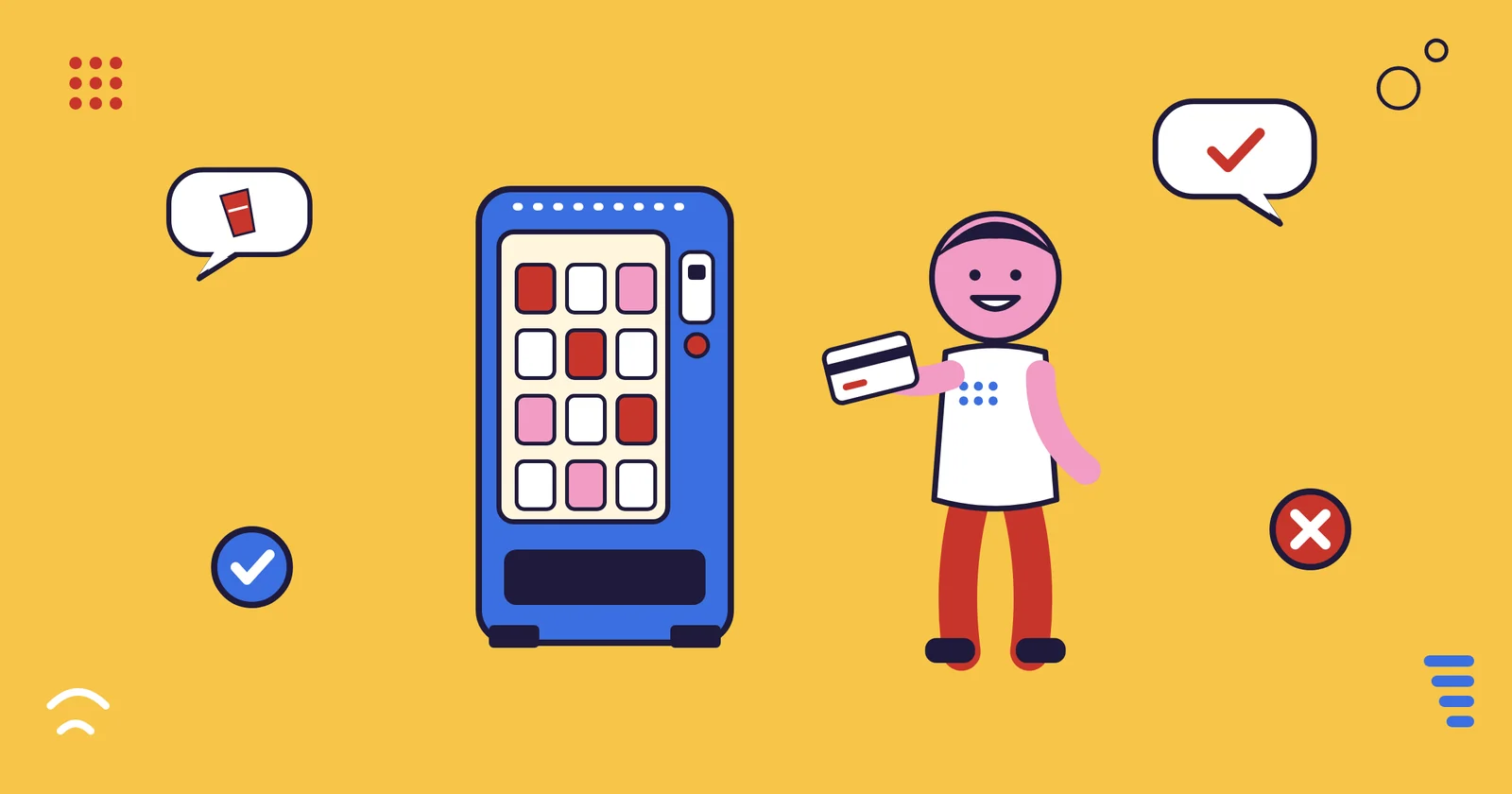
Customers have seconds. Every hurdle is a lost sale.
- Customers decide in seconds
- Clear prices remove doubt
- Full shelves build trust
- Payments that just work
- Product information people can find
- A clean machine feels safe
- Knowing who to contact
- Light, placement, and the walk to the machine
- The range should make sense to the people nearby
- How operators learn what customers think
- What to check from the customer's side
- Small things, big difference
- FAQ
Picture someone with a ten-minute break. They walk to the machine, look at the glass, and try to decide in a few seconds. The price label is half hidden. Their favorite drink is gone. The card reader blinks, thinks, and declines. They walk away with nothing and a small grudge. This post looks at vending from the customer's side: what makes buying easy, what quietly puts people off, and which of those things an operator or a site can actually control. It is not a guide to choosing products, and it will not promise higher sales. It is a walk around the machine through the eyes of the person standing in front of it.
Customers decide in seconds
Nobody plans a long visit to a vending machine. People arrive with a need, a little time, and usually some distraction, such as a phone call, a meeting that starts soon, or a child pulling at their sleeve. They scan the glass, look for something familiar, check the price, and pay. If any of those steps takes too long, many simply give up. That is why small details matter so much. A clear label, a lit display, and a reader that works the first time save seconds. Seconds decide whether someone buys or walks to the shop across the street. When you look at a machine, try to see it as a hurried customer would, not as someone who knows where everything is.
Clear prices remove doubt
A price that is hard to read is a small barrier, but a real one. Customers do not like guessing. If a label is faded, covered by the product, or missing, many will not risk pressing the button to find out. Some machines show prices on a screen after a selection, which is fine as long as people know to look there. Make sure every product has a visible price, and that the label matches what the machine actually charges. A mismatch between the label and the payment feels like a trick, even when it is a simple mistake. Ask the operator to check labels at every restocking, especially after a range change. It takes a minute and prevents a lot of quiet frustration that never reaches anyone as a complaint.
Full shelves build trust
An empty spiral sends a message: this machine is not looked after. A customer who sees three empty selections may assume the machine is unreliable in other ways, too. Full shelves, on the other hand, suggest that someone cares. This does not mean every product must always be available. It means the most popular ones should rarely run out, and empty spots should not stay empty for long. Operators usually plan restocking from sales data, and many machines report stock levels remotely. If you are the site, tell the operator when you notice popular items running out between visits. A short message can lead to a better schedule. That is one of the simplest ways to keep customers coming back.
Payments that just work
Few things put people off faster than a declined payment. The customer has chosen, is ready to pay, and the machine says no. Sometimes it is the card, sometimes the reader, sometimes the connection. The customer rarely knows which and usually blames the machine. Many people now carry little or no cash, so cashless payment matters a lot. Ask the operator which methods the machine accepts and how payment problems are detected and fixed. A small sticker showing the accepted methods helps, too. People can see at a glance whether their card or phone will work, and they do not have to find out by trial and error in front of colleagues. If cash is accepted, make sure the machine can give change, or say clearly that it cannot.
Product information people can find
More and more customers want to know what they are buying. Some avoid certain ingredients, some count calories, and some simply want to know if a sandwich is still fresh. If that information is hard to find, these customers will often skip the purchase. The details belong on the product label, as provided by the producer, and the operator should make sure products are displayed so labels can be read or checked. Some machines show extra information on a screen. Do not try to answer allergen questions from memory. If a customer asks, point them to the label or to the operator's contact. That is safer for everyone and keeps the information in the hands of those responsible for it.
A clean machine feels safe
People eat and drink what comes out of a vending machine, so cleanliness matters more than with many other devices. Smudged glass, a sticky keypad, or crumbs in the delivery tray make people hesitate. Nobody wants to reach into a dirty flap for their lunch. Cleaning the outside of the machine is usually part of the operator's service, often done at restocking. The area around the machine, including the floor and the bin, often falls to the building's cleaning staff. Agree on this split clearly so nothing falls between the gaps. A bin next to the machine helps a lot. Without one, empty bottles end up on windowsills, and the whole corner starts to look neglected.
Knowing who to contact
Even a well-run machine sometimes fails. A product gets stuck, a payment is taken twice, or the screen freezes. What matters then is whether the customer knows what to do. A clear notice on the machine with a phone number, an email address, or a QR code for reporting problems makes a big difference. Without it, the customer turns to whoever is nearby, such as reception or a colleague, and the problem may never reach the operator. Ask the operator what contact details they put on the machine and how refunds are handled. The exact procedure is up to the operator, but the customer should not have to guess. A problem handled quickly often leaves a better impression than no problem at all.
Light, placement, and the walk to the machine
Where the machine stands shapes the customer's experience before they even reach it. A machine in a dark corner feels less inviting, especially in the evening. A unit tucked behind a door or at the end of a long corridor is easy to forget. People should be able to see it, reach it without squeezing past furniture, and stand in front of it without blocking a passage. Good light also helps customers read labels and the screen. Think about the queue, too. If several people arrive at once during a break, is there room to wait without crowding a doorway? These questions are worth discussing with the operator before installation, because moving a machine later is much harder than placing it well at the start.
The range should make sense to the people nearby
A customer does not care what sells well in other buildings. They care whether the machine has something they want right now. A machine in a gym corridor full of chocolate bars and no water will disappoint. A machine on a night-shift floor with nothing warm or filling will too. The range should fit the people who actually walk past it, at the times they actually come. That is a conversation between the site and the operator, based on sales data and on what people say. You can read more about it in the post on choosing a range with your operator. From the customer's side, the test is simple: does a typical person find at least one thing they would happily buy?
How operators learn what customers think
Operators rarely stand next to their machines, so they need other ways to understand customers. Sales data shows what sells and when. Fault reports show what goes wrong. Customer messages show what annoys people enough to write. Short surveys, when a site agrees to them, can show what people miss. As the site, you can help by passing on feedback you hear in the kitchen or at reception. A specific remark, such as water regularly running out before the end of the week, is valuable. Collect such remarks and share them with the operator now and then. You do not need a formal process. A short email every few weeks is often enough to keep the machine in step with the people who use it.
What to check from the customer's side
Every now and then, walk up to the machine as if you were a customer. Use this short list.
- Can you read every price without bending down or guessing?
- Are the popular products in stock?
- Does the card reader or phone payment work on the first try?
- Is it clear which payment methods are accepted?
- Can you find product information on the label?
- Is the machine clean, inside the glass and around it?
- Is there a visible contact for problems?
If something fails this check, tell the operator. The FAQ section (publisher's site) has more answers to common questions.
Small things, big difference
Customers rarely praise a vending machine. They just use it, or they stop using it. The difference often comes down to small things: a readable price, a full shelf, a payment that works, a clean flap, and a phone number on a sticker. None of these are complicated. All of them depend on someone paying attention. If you look at your machine through the eyes of a hurried customer from time to time, you will usually spot the problem before your customers start walking past it.
FAQ
What puts people off most? Often empty selections and failed payments. Both suggest that the machine is not looked after.
How do operators learn what customers think? From fault reports, sales data, customer messages, and sometimes short surveys agreed with the site.
Who should answer allergen questions? Point customers to the product label or the operator's contact. Do not answer from memory.
What if a payment is taken but no product comes out? The customer should contact the operator using the details on the machine. Refunds follow the operator's own procedure.